MSFS 2024 SU6 Beta 1.8.10.0 Focuses on VR, SDK and Avionics Fixes
The July 29 beta notes add Guided Tours and a long list of cockpit, virtual-reality, aircraft-tech and developer-tool corrections, but they are not a final Sim Update release.
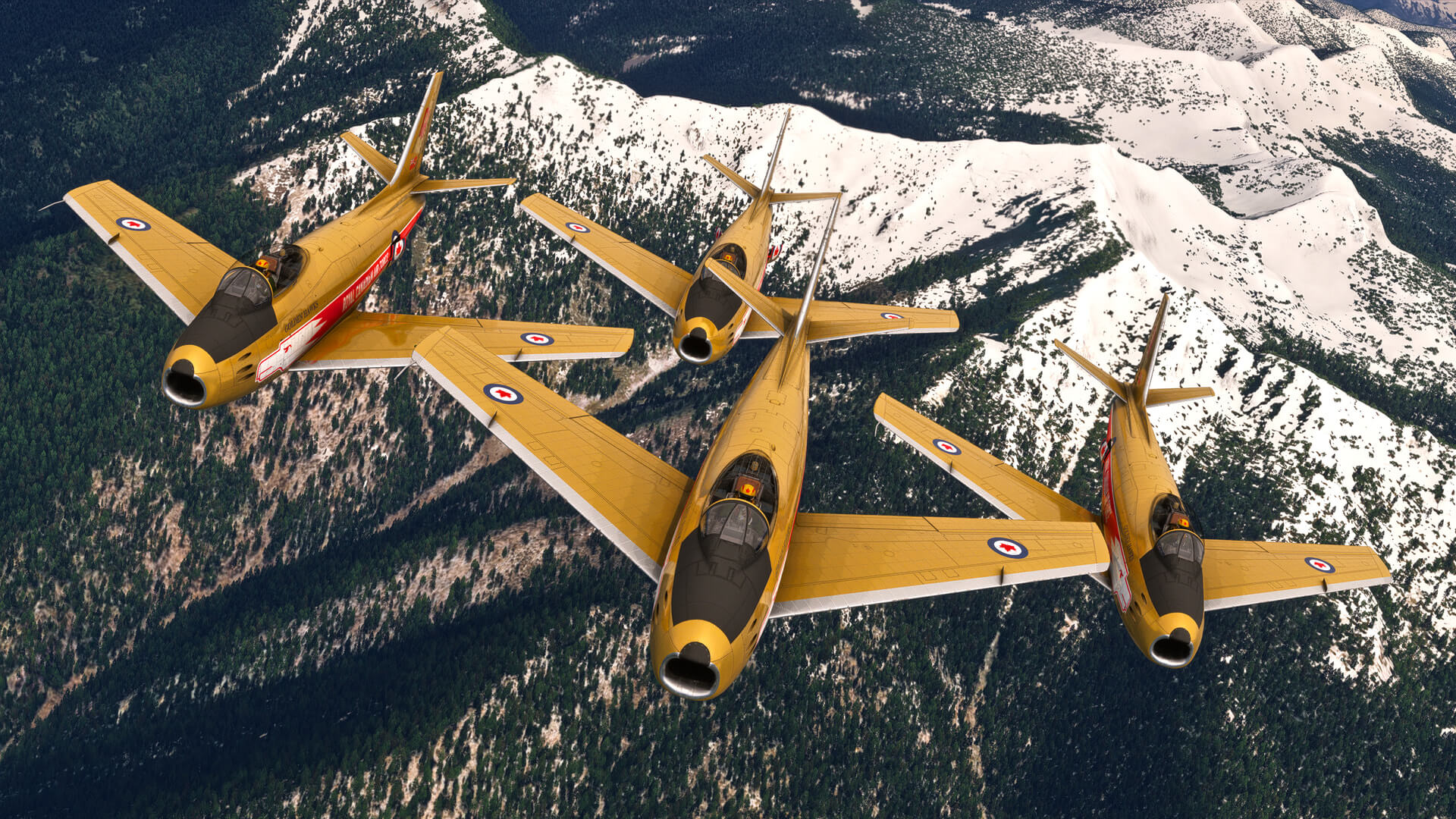
Microsoft Flight Simulator 2024’s Sim Update 6 beta reached build 1.8.10.0 in the July 29 release notes. The build adds Guided Tours to the Activities menu and concentrates on the less visible systems that determine whether a flight, aircraft package or development workflow behaves consistently.
This is a beta note, not a final Sim Update announcement. The version number identifies the tested build, while the release-notes page lists fixes still being evaluated. Players who install the beta should expect later changes and should not read the notes as a guarantee that every item has reached the stable public build.
The cockpit fixes are broad
The Garmin G1000 NXi, G3000 and G5000, G3X Touch, GNS 430 and GNS 530 all receive corrections for cases where an approach loaded into a flight plan could produce an incorrect calculated path. That cluster is more meaningful than a single instrument bug. Approach loading is a shared task across many aircraft, so a fix in the flight-plan logic can improve the consistency of several cockpit families at once.
The G1000 NXi also receives a correction for keypad entry of certain COM frequencies when 8.33 kHz spacing is enabled. The Avidyne IFD550 and IFD540 receive several CDI and desired-track fixes during approach activation and leg transitions. The UNS-1Ew SBAS flight-management system gets a correction for estimated time en route not being calculated for the active leg.
These are not headline features, but they are the kind of details that make instrument practice readable. A training flight can be undermined by a display that presents the wrong path or fails to update a value at the point where a pilot expects it to change. The notes do not claim that every avionics discrepancy is resolved; they document specific cases addressed in this beta.
VR and aircraft behaviour
The beta fixes the global-rendering-quality submenu in the Virtual Reality panel so it can be accessed. That is a small interface correction with a direct effect on headset users, because graphics-quality controls are part of the setup process rather than an optional menu decoration.
The aircraft-tech notes change how disengaged turbine engines update their RPM and revise the indexing of FREEWHEELING_UNIT_ENGAGED. Developers using those simulation variables will need to read the updated one-based indexing rule and the associated SimVar guidance. A correction in a variable’s behaviour can affect aircraft packages even when the aircraft’s visible model has not changed.
The build also adds a default dynamic-parameter correction for modular aircraft, fixes a Medevac hold-short marker after a reroute and addresses mast lights on some bespoke airports. Together, those changes span aircraft configuration, mission logic and scenery behaviour.
A developer release as well as a player release
For creators, the beta includes corrected visibility-parameter spellings, new SimVars for hydraulic systems and wear-and-tear, additional SimConnect scoping syntax and several documentation fixes. Blender and 3ds Max users receive new cubemap and reflection options for windshield materials, while the Project Editor and Scenery Editor get workflow corrections.
That developer focus explains the size of the notes. Microsoft Flight Simulator is both a consumer flight environment and a platform for aircraft, airports, missions and tools. A stable experience depends on the contracts between those layers. Guided Tours is the visible addition in this build; the more consequential work may be the set of corrected interfaces that third-party developers will use as the beta progresses.
For users deciding whether to join the test, the useful expectation is a moving target rather than a feature drop. The beta offers concrete fixes for common cockpit and VR workflows, but community packages can still affect stability, and the release notes specifically recommend moving outdated packages out of the Community folder when diagnosing problems. That keeps the scope of the build clear: it is a testable set of changes, not a promise that every installed aircraft or airport is ready for the final update.
Real Sim is produced with editorial automation and institutional bylines. How this is made →
More Flight & Aviation →